Report To LEADS

Second-hand shops and buy/sell stores
Stores buying used goods directly from individuals, including tools, cameras, electronics, phones, and household items.
Automated Pawn and LEADS reporting
(PC, Mac, Phone, Tablet, Laptop)
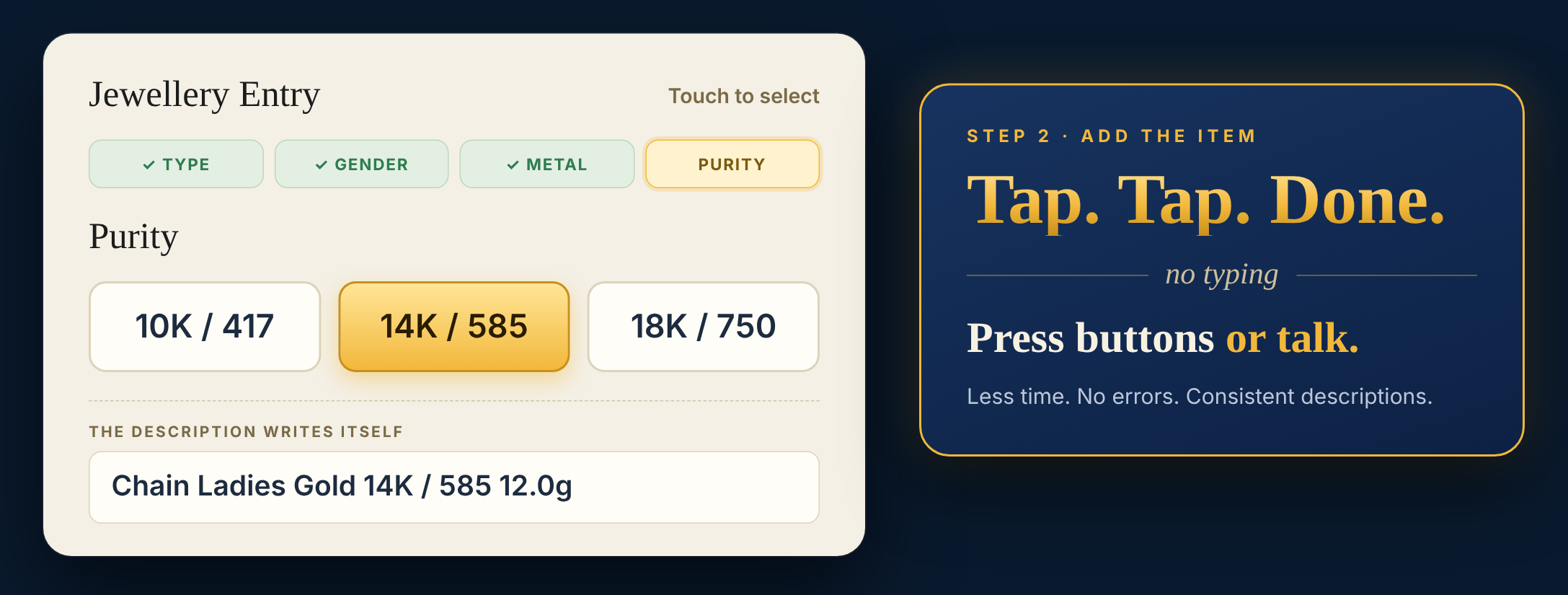
PawnSmarts replaces that old DOS app with a sleek modern design, touch-and-voice entry, effortless POS sales / barcoding / card processing, and automated LEADS reporting for loans, buys and layaways.
“No one looks forward to learning new software, but these short videos made it super easy. I knew ‘what’ and ‘how’ in 15 minutes.”
— Raf, Great Western Pawn, AB
Try Demo(Data entered in the demo will not be saved.)
Our tech support will extract BWI data, clean it up, slim it down, and have it production ready when you are.

Pawn loans + POS + Card Processing + LEADS Online all-in-1 — $88 cdn/month.
What changes when you join PawnSmarts
A PawnSmarts Exclusive
Monthly · Per Shop · Canadian Dollars
PawnSmarts Safe protects your shop from theft, mistakes, errors, omissions, downed interest, lost power.
Automated Reporting: Each transaction is sent automatically to LEADS as it is saved. No manual upload. No monthly browser reset.
Pawn Shops Start Here
Ask about PawnSmarts or call 800-710-6184.
Pawn Shop Questions
Your app and your data reside on a Montreal server (with global redundancies). It's your data. It belongs to you and remains under your control. Unlike Bravo, your data will not be held hostage for payment.
No. PawnSmarts is $88 cdn a month per shop, guaranteed for 5 years. There is no setup fee, no per-transaction charge and no data conversion charge.
Send your BWI log-in credentials to [email protected], or call 800-710-6184, or text 903-744-4507. Our tech support will extract your BWI data, clean it up, slim it down, and have it production ready when you are.
No. Each transaction is sent automatically to LEADS as it is saved. No manual upload. No monthly browser reset.
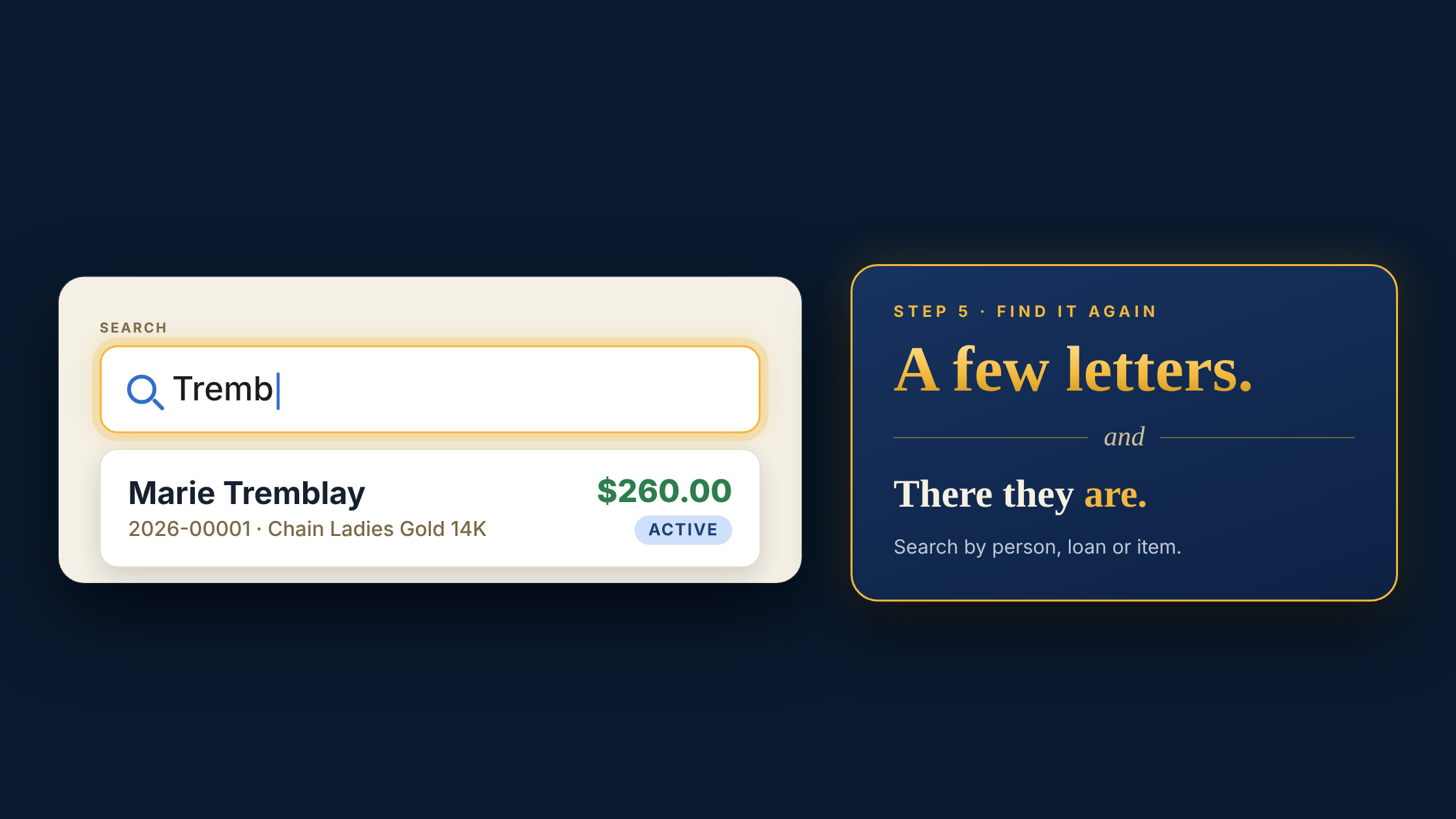
PawnSmarts watches as you work. A mismatched serial number or a duplicate is flagged immediately, before it becomes a problem.
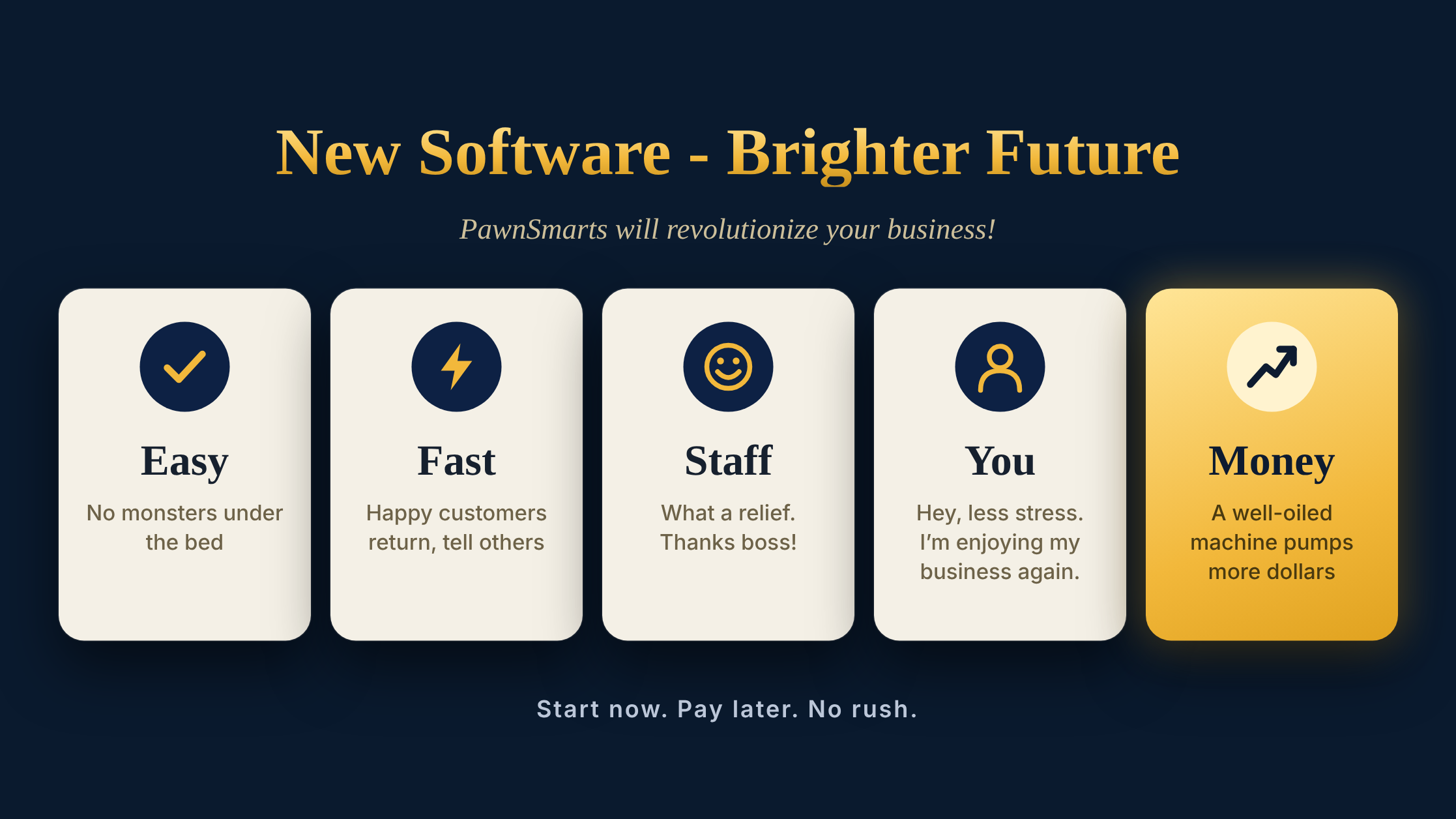
Short 2-minute videos walk through each everyday task, and you can start now and pay later. Most entry is by mouse, finger or voice, so there is no wall of DOS function keys to memorize. Don't like typing? Talk to PawnSmarts or use a touchscreen. It's 2027!
Ask. A small change is no charge. A big change, we will quote you before any work begins.
The computer or tablet already at your counter, a standard 2D USB barcode scanner for licences, and any webcam for photos. Your existing printers for labels and receipts work.
Part Two · Reporting Only
Purchase recording and LEADS Online reporting for shops that do not make pawn loans — $49 cdn/month.
No pawn loans? Report To LEADS records purchases, processes sales and auto sends them to LEADS Online for businesses that do not need pawn loans or loan financial management. It can serve scrap metal and jewelry buyers, thrift stores, and buy/sell shops where LEADS reporting applies.
Try the Canadian Demo → Start Free Trial →
The Price, In Full - Guaranteed!
Monthly · Per Store · Canadian Dollars
Use Report To LEADS on your PC, Mac, cell, or tablet. Internet down? Keep working without it. Report To LEADS will sync up when reconnected. — any webcam for photos; any 2D (2-dimensional) barcode scanner for licences.
Who May Need Purchase Reporting?
Report To LEADS is designed for purchase recording and LEADS Online reporting. These business types are worth exploring where the local reporting program accepts the shop and its transactions.
Stores buying used goods directly from individuals, including tools, cameras, electronics, phones, and household items.
Scrap metal buyers recording metal purchases from members of the public, where local rules and reporting systems apply.
Jewelry stores, gold buyers, and precious-metal shops purchasing used jewelry, watches, gold, or silver from individuals.
Buy/sell electronics stores and other businesses that purchase used phones, computers, game consoles, or similar goods.
Automotive salvage businesses buying vehicles or used parts directly from individuals, subject to the local program’s accepted records.
Dealers buying used games, comics, records, trading cards, instruments, or other collectible goods from the public.
Retailers purchasing used bicycles, outdoor equipment, or sporting goods from individuals or as direct-buy trade-ins.
Resale businesses that buy goods directly from individuals. Donation-only or consignment-only operations may have different reporting workflows.
Businesses that directly purchase used goods from individuals; auction or consignment sales alone may not follow the same reporting process.
Check your fit: Canadian reporting duties, required records, and available LEADS Online connections vary by province, city, business type, and transaction. This list describes potential business fit, not a statement that every shop must report. Confirm local requirements and that your reporting program accepts the purchases you make.
THE ASSURANCE PART
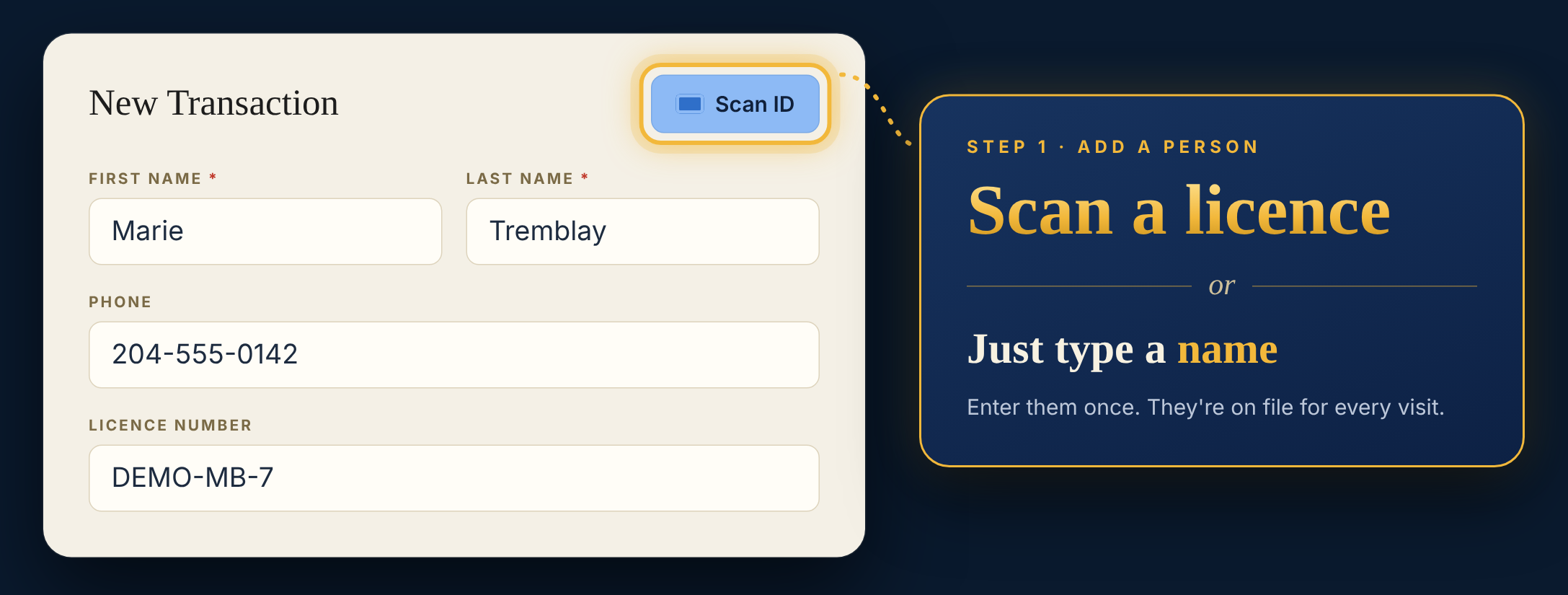
One barcode scan fills the whole customer record — name, address, DOB, ID number, description. Webcam grabs the customer photo and ID photo. Repeat customers: already on file, two clicks.
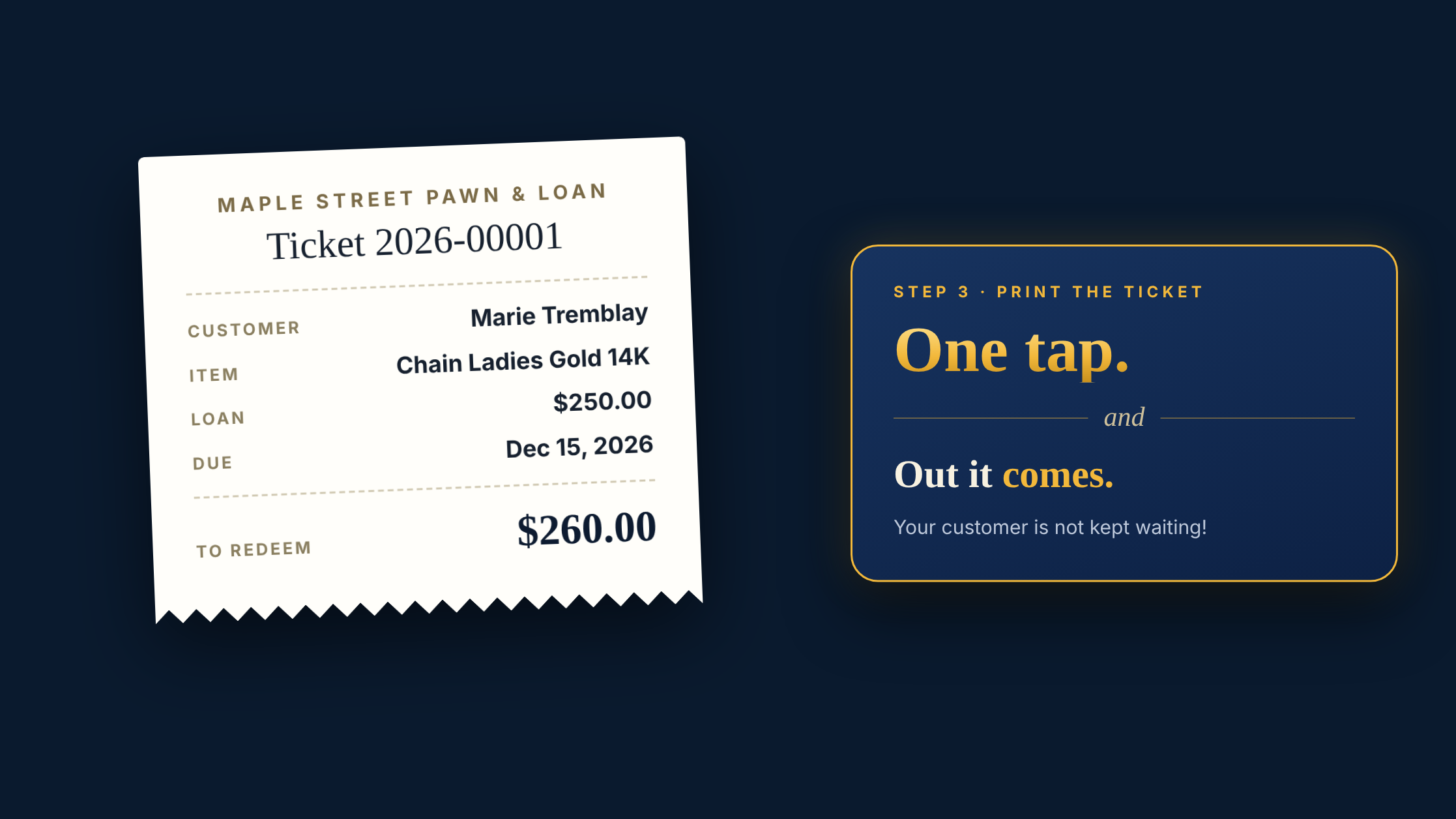
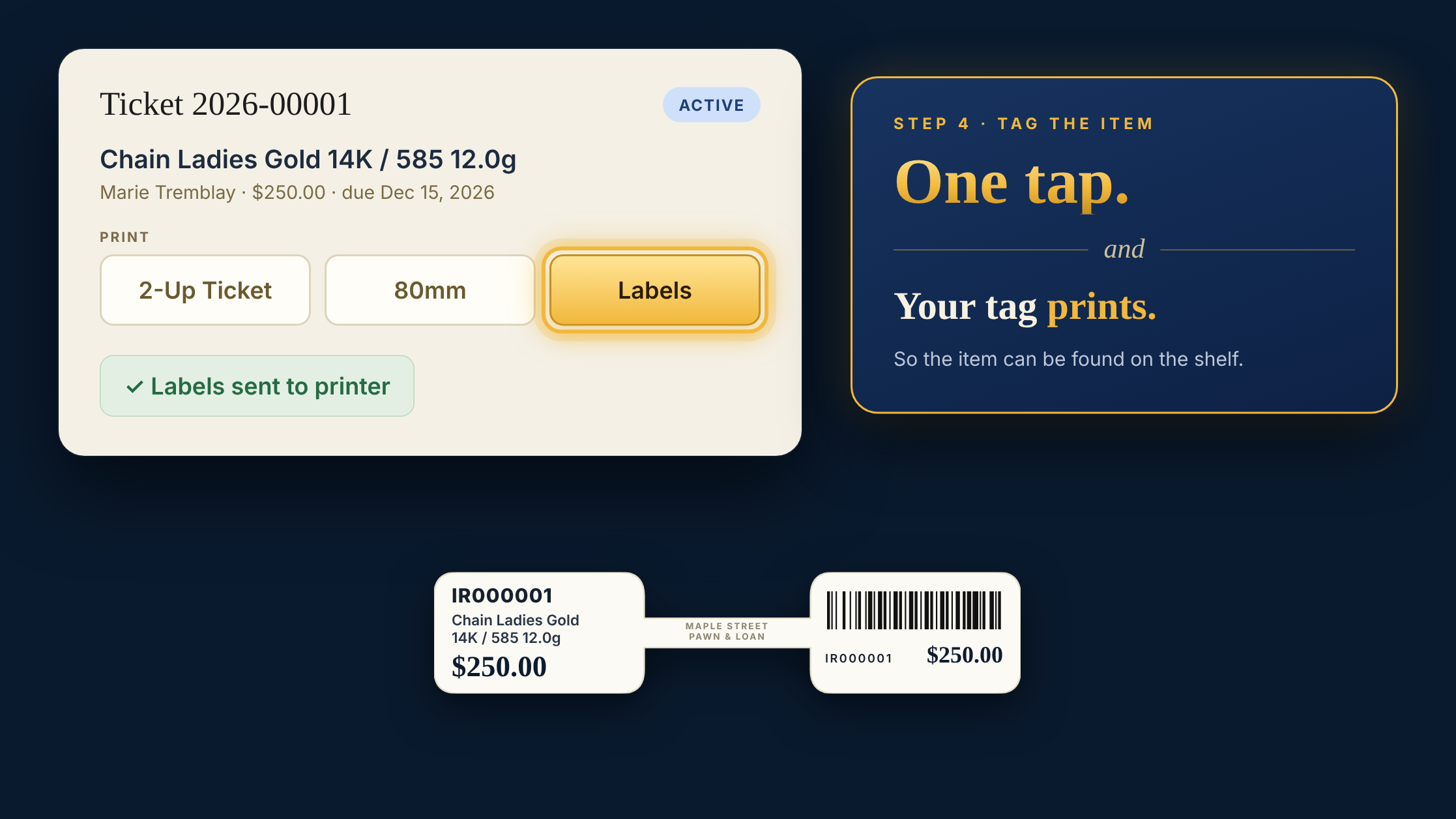
Item, brand, model, serial, photos — several items on one ticket if that's the deal. Receipt prints, label prints, hold period starts on its own and the register won't sell the item early.
Seconds after the ticket saves, the transaction is submitted to LEADS Online in the required format. A history screen shows exactly what went out and when — your proof, kept forever.
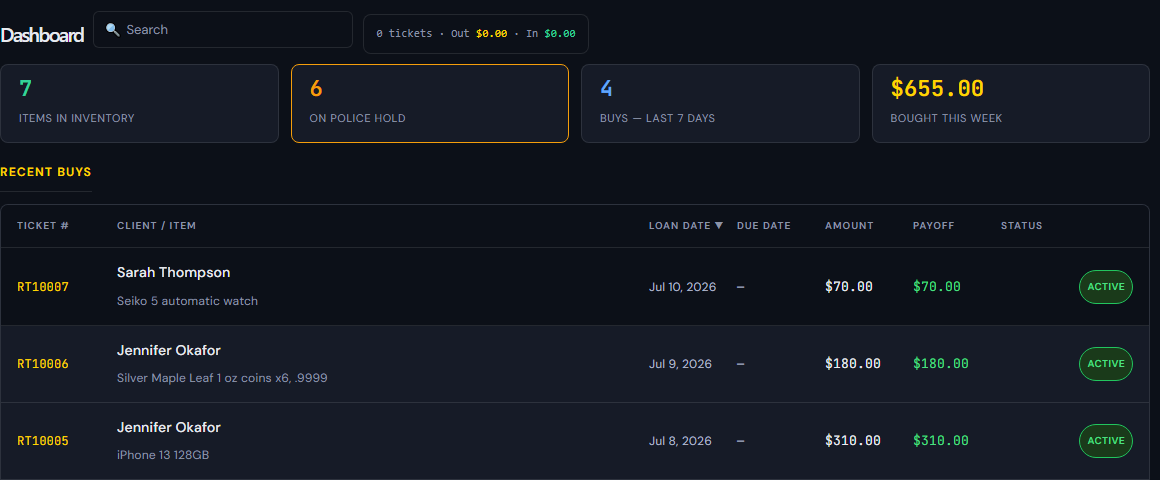
A live account — Items in Inventory, On Police Hold, Buys This Week, and every recent ticket, at a glance.
Explore the demo with sample customers and purchase records. No signup required.
Report To LEADS · Fourteen-Day Free Trial
Enter an email to begin — account setup takes about a minute, the free trial starts immediately, and no card is required to start.
The interactive demo uses fictional Canadian records and cannot submit reports to LEADS. A shop trial uses the shop’s own records; reporting starts only after Canadian LEADS credentials are configured and reporting is enabled.
Your Support Team
PawnSmarts is for shops that need pawn loans and loan financial management, with reporting included. Report To LEADS handles purchase recording and LEADS reporting only.
Reporting rules and required fields vary by jurisdiction and business type. Confirm that LEADS Online reporting applies to your shop and location.

Mr. Henning started developing websites and software programs long before Google. In addition to Report To LEADS, he can provide paid assistance with all things computer-Internet related. Send an email to Steve. Call him at 800-710-6184 or text to 903-744-4507.
Asked & Answered
Both prices, $88 for PawnSmarts and $49 for Report To LEADS, will remain the same for at least 5 years.
PawnSmarts, for shops that make pawn loans, is $88 a month per shop. Report To LEADS, for reporting only, is $49 a month per store, with nothing sold as an add-on later. Neither has a setup fee or per-transaction charges. Both prices are in Canadian dollars.
If your shop makes pawn loans, choose PawnSmarts at $88 a month. It manages the loans and reports to LEADS Online. If your shop only buys and sells, Report To LEADS at $49 a month records and reports your purchases.
Pawn loans, with payments, renewals, redemptions and forfeits, plus loan balances and loan financials. It also records purchases and layaways, processes sales, and reports to LEADS Online where reporting applies.
$49/month includes the software, initial setup, data conversion and updates. Support for computers, printers, internet, 1-on-1 training, and other software (including Windows) is available at $95/hour CDN and is pre-billed in hourly increments.
The computer or tablet already at the counter, plus a standard 2D (2-dimensional) USB barcode scanner for licences. Any webcam takes the photos. Existing printers for labels and receipts work.
Yes! Report To LEADS runs in a web browser, so it works on iPhone or Android, PC and Mac — no app to install. There's no limit on the number of devices.
The data belongs to you and resides in a secure Montreal (Amazon) data center. Local data export and backup are available.
No. Report To LEADS is for recording purchases and reporting them to LEADS Online. It does not include pawn loans or loan financial management. Shops that need both loan management and reporting can choose PawnSmarts.
PawnSmarts 800-710-6184